Last year, 43.5% of all websites were powered by WordPress. Now, that number is meaningless. How many of those locations will survive over the next five years is the real question.
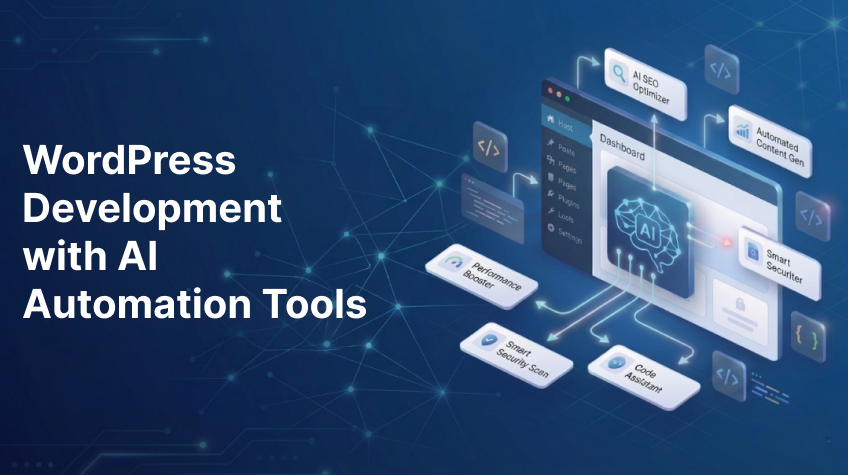
The answer was changed in April 2026. WordPress 7.0 came with AI built into its core architecture—not as an experiment or a plugin, but as a native, vendor-neutral layer that completely rewires the platform’s functionality. This is how it appears on the ground.
The Native Shift
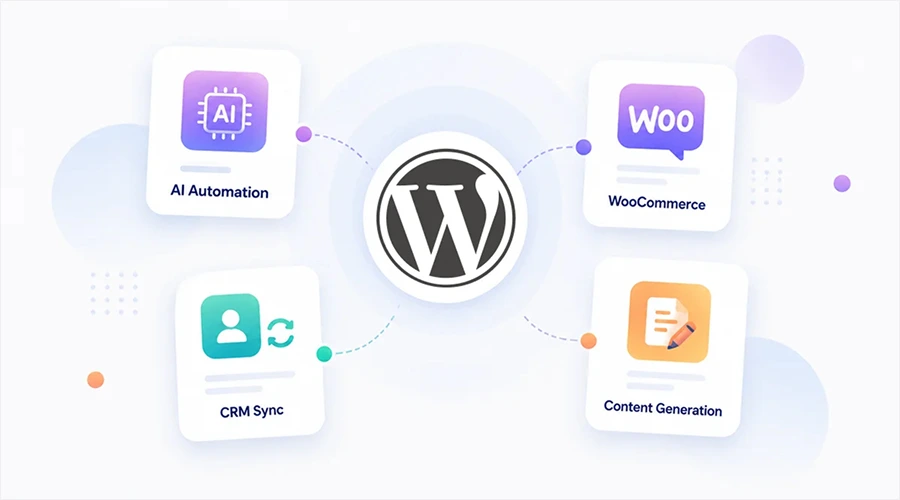
Prior to WordPress 7.0, integrating AI required patching together third-party plugins, keeping track of distinct API keys for every tool, and hoping that the integrations wouldn’t clash. With the AI Client and Connectors system, a standardized architecture that links your website directly to outside AI services like OpenAI, Anthropic Claude, and Google Gemini via a single interface, WordPress 7.0 put an end to that mayhem.
The repercussions for the company are instantaneous. You are not restricted to a particular AI model. When new suppliers appear, your infrastructure adjusts without having to be rebuilt. API keys are now centralized. Security threats diminish. Plugin bloat disappears. Developers may even programmatically register new AI providers using the Connectors API.
From Code Assistants to Autonomous Agents
Isolated scripts are produced using generic coding helpers such as GitHub Copilot. In 2026, that age came to an end. Multi-step actions are now carried out immediately within your WordPress dashboard using agentic AI frameworks.
Builderius was the first to show this change. Through the Model Context Protocol (MCP), the page builder incorporated Claude AI to read a live template’s whole state, including its element tree, CSS framework, GraphQL schema, and other components, and make structural modifications from within the visual development environment.
On the first try, a command such as “show my latest 6 posts in a grid with thumbnails, titles, and excerpts” produces accurate results. Reviewing documentation used to take two hours, but it now just takes a minute.
Elementor refined the concept with Angie, a completely free agentic AI framework designed just for WordPress. Angie looks over your theme configuration, custom post types, and any plugins before making any changes. When describing a feature, you utilize natural language. Angie sets up the execution, writes the PHP snippets or updated post types, tests everything in a sandbox, and pushes the approved changes to production. It doesn’t guess your setup. It inherits everything.
Content Workflows Reinvented
An equally important change occurred on the editorial side. WordPress 7.0’s block editor now allows real-time collaboration. Multiple people are editing the same page at the same time. No more unintentional overwrites. It is no longer required to draft in Google Docs before copying into the CMS.
AI 0.7.0 enhanced editing procedures with more SEO and classification functions. Based on the content of posts, automatically generate suggested tags and categories. Make meta descriptions directly from the editor. Create alt text for several images simultaneously while following W3C accessibility guidelines using the Media Library.
WP-AutoInsight takes things a step further. Bring your own API keys if you want to connect to OpenAI, Anthropic Claude, Google Gemini, or Perplexity. Use keyword lists to automatically generate whole blog posts. Use meeting recordings or voice notes to create draft posts. Create infographics based on any existing content. Nothing is published without permission, but the heavy work is done without human help.
The Open Source Advantage
AI website builders have emerged virtually overnight in the past two years. They quickly create visually appealing websites. They can’t, however, provide the same benefits as WordPress, including total ownership, infinite extensions, and a community of millions of individuals who aren’t attempting to sell you a membership.
The WordPress project’s leadership set clear goals for 2026, including as the intentional incorporation of AI across the WordPress experience and the creation of project-wide guidelines that uphold openness, user autonomy, and WordPress values. Not thoughtless feature dumping. measured, deliberate integration.
Where This Goes
Gutenberg Phase 3 is still being worked on. Cooperation in real time was introduced. The next step is to build a multilingual core. The WordPress repository now has almost 300% more AI plugins. The ecosystem is frequently changing faster than the platform itself.
Using the native Connectors API, supplying your own API credentials, and seeing AI as a capabilities layer rather than a vendor relationship are already clear ways to incorporate AI. No lock-in. Not a single unstated credit. No forced upgrades.
WordPress is not evolving into an AI platform. It’s evolving into a platform with AI integrated within it. The difference is important. A product is one. Infrastructure is the other.
FAQs
Do I need to pay extra for the AI features in WordPress 7.0?
No. Core WordPress comes with the AI Client and Connectors framework for free. OpenAI, Anthropic, Google Gemini, and other external AI services are only the ones you have to pay for. Bring your own API keys. WordPress doesn’t add any markup or take any shortcuts.
Will AI replace WordPress developers?
No. It will take the place of the dull bits. Developers will be more useful if they are able to prompt, check AI output, and design intricate solutions. People who won’t change will face difficulties. There is still a need for developers who are knowledgeable in WordPress performance, security, and internal workings. The term “productive developer” has recently been redefined.
Is my data safe when using AI tools inside WordPress?
Depending on the tool you use, yes. Native Connectors for WordPress Only the relevant context is sent by the API to the AI provider of your choice. Plugins from third parties differ. Prior to installation, always verify where your data is stored. The safest method is to link local models using the same API framework and run them using Ollama or LM Studio. Your server never loses any data.
Can I use these AI tools on an existing WordPress site, or only new builds?
Both. AI-assisted features work on any WordPress 7.0 or later site. For deep structural changes refactoring plugins, migrating data, rebuilding themes run tests on a staging environment first. Angie’s sandbox mode and Cursor’s project indexing both support existing codebases. The tools don’t care whether your site launched yesterday or ten years ago.