
Every business will eventually come to this crossroads: Should your business be built upon open source software, proprietary software, or a combination of both?
Not only is it a technological decision but it impacts your budget, security, scalability, and control over your data as well. Here is an overview of what each means for your business.
What Is Open Source Software?
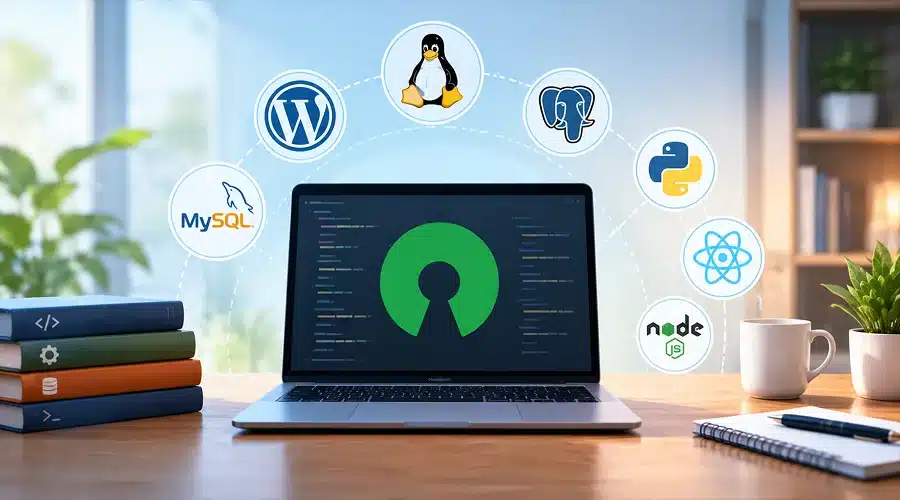
Open source software is the software that comes with its source code accessible to everyone. One is free to use, modify, and redistribute it in accordance with a certain license.
Examples of open source software are:
- Linux – operating system that drives most of the servers globally
- WordPress – content management system used by millions of websites
- MySQL/PostgreSQL – database management systems
- Python, React, Node.js – programming languages and frameworks
Open source software is not necessarily “free,” although it does give freedom from license fees and vendor lock-in.
What Is Commercial Software?
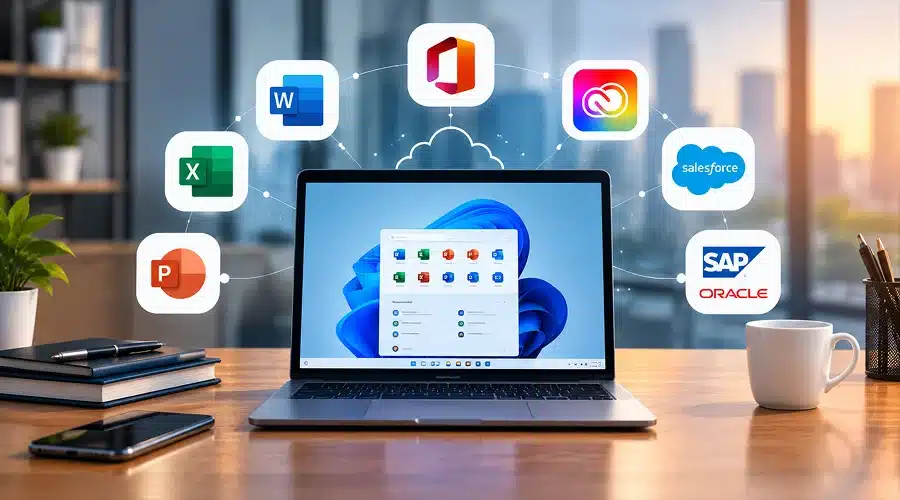
Commercial software, alternatively known as proprietary software, is software developed by a vendor who then sells license/subscription for using the software. Source code is closed, meaning you can use the software but cannot view and edit the underlying code.
Examples include:
- Microsoft Office / Microsoft 365
- Adobe Creative Cloud
- Salesforce
- SAP and Oracle enterprise systems
Such software comes with built-in vendor support, frequent updates, and user-friendly interface right out of the box.
Key Differences in Brief
Before diving deeper, here’s a quick side-by-side comparison:
- Cost model: OSS is usually free but requires paid implementation and support; commercial software has upfront costs through licensing or subscription.
- Customization: OSS provides full customization opportunities for the source code; commercial software enables only vendor-approved customization.
- Support: OSS requires third-party and community forums help; commercial software includes vendor support services.
- Patch release: OSS is dependent on community response; commercial software has contractual SLA for security patches.
- Update schedule: OSS is unpredictable while updates for commercial software follow release cycles.
Cost Considerations
➔ The “Free” Myth
While open source software may be cheap on its own, when all of the costs of ownership are considered, the reality is that there is very little in terms of savings. Businesses have to allocate budgets for:
- Implementation and integration
- Either their own technical skills or contracting external help
- Maintenance and updates of the software
- Educating the employees in its usage
➔ Commercial Software’s Predictable Pricing
While there might be a lot of hidden fees, overall, commercial software prices are relatively predictable and known upfront. One would pay a certain license fee or a subscription fee for the usage. Moreover, the support service is included in the price, which helps with budgeting for smaller companies without an in-house IT department.
Nevertheless, there are a few ways of increasing the cost of such software:
- Pricing on a user basis and rising with the size of your business
- Additional modules that add additional features
- Vendor lock-in and the difficulties of migration in the future
Bottom line: OSS often wins on flexibility of spending; commercial software wins on predictability.
Customization and Flexibility
It is here that open source makes its mark. As the code can be accessed, companies have the ability to:
- Customize features according to their processes
- Integrate seamlessly with other systems independent of the vendor
- Develop completely new functionalities based on the code base
In commercial software, the level of customization possible is limited to what the vendor allows through configuration options or additional products. This is ideal for general uses but may become restrictive for organizations with special requirements.
Security: A Nuanced Comparison
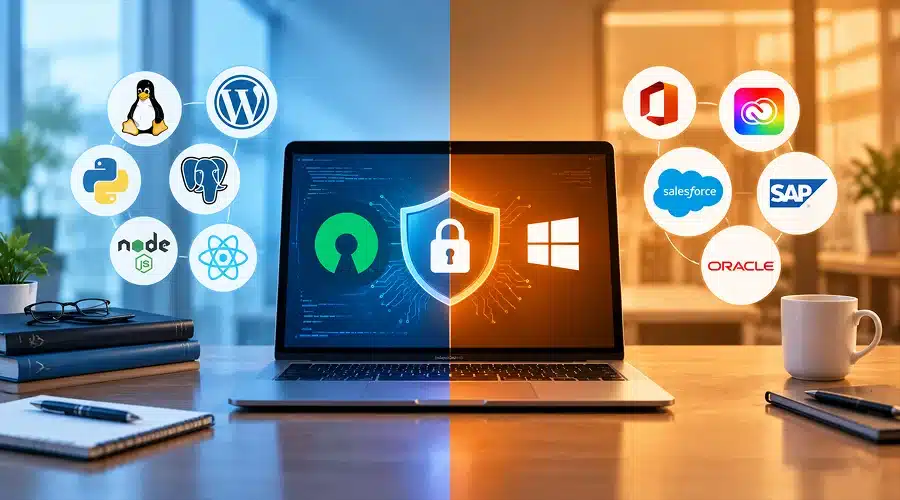
Security is one of the points that are argued between these two groups, and in fact, the matter is much more complex than “open source is less secure” or “commercial software is more secure.”
➩ Open Source Security Advantages
- Code review by worldwide community that discovers flaws quickly
- Transparency ensures that there are no backdoors
- Popular products such as Linux are thoroughly tested
➩ Open Source Security Disadvantages
- Some projects lack an active maintainer
- Patches depend on voluntary community efforts or your own staff
- Firms have to install updates themselves
➩ Commercial Software Security Advantages
- Have security teams dedicated to the product and service-level agreements
- Frequent and tested by vendors patches
- In-built compliance certificates (SOC 2, ISO 27001)
➩ Commercial Software Security Disadvantages
- Closed code requires trust to vendor claims
- Slow response time if vendor downprioritizes the flaw
- A single compromise of the vendor affects all clients
Real-world takeaway: Security has much more to do with software maintenance than with its openness or closedness.
Support and Reliability
Support quality is what makes the difference for most organizations.
➣ Commercial Software Support
- Specialized helpdesk and account management services
- Commitment to response time through SLAs
- Well-defined escalation procedures for critical problems
➣ Open Source Support
- Communities, documents, and forums
- Third party paid support services (like Red Hat for Linux)
- Better service for mainstream applications, but no service at all for niche tools
If your company cannot afford any downtimes and requires guaranteed response time, then structured support from commercial software may be the better choice.
Vendor Lock-In vs Long-Term Independence
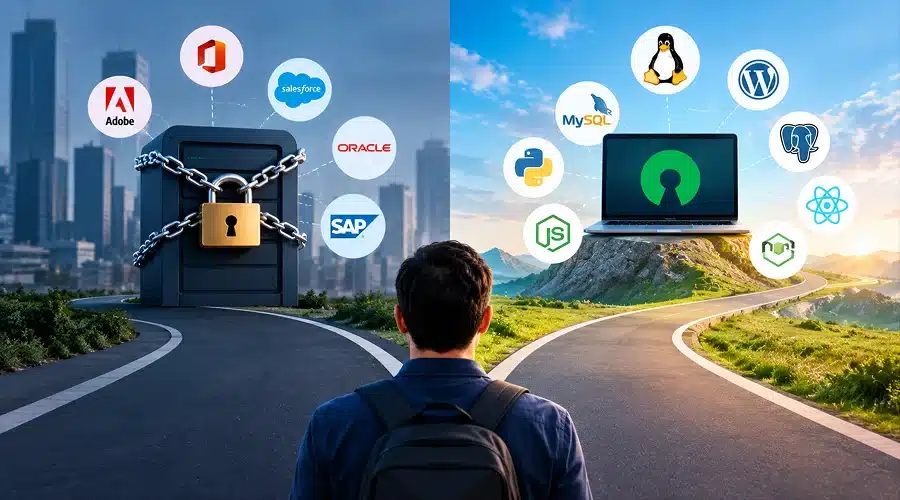
One of the most overlooked factors is what happens years down the line.
⇨ Risks of Commercial Software
- Vendor change can entail moving vast amounts of data
- File format may be proprietary and not work outside of the program
- Unexpected price hikes can occur when renewing licenses
⇨ Advantages of Open Source
- Access to the software isn’t controlled by a particular company
- Change service provider while keeping the same software
- Data is kept in open, portable format
This is a major reason large enterprises like Google, Amazon, and Facebook build core infrastructure on open source it avoids dependency on a single vendor’s roadmap or pricing decisions.
Which One Fits Your Business?
It all depends on your budget, technical know-how, and priorities.
➜ Open Source Could Work for You if:
- You have your own people who can handle technical work
- You require complete control over your data and your own infrastructure
- Budget considerations are more important than cost predictability
- Vendor lock-in is not an issue for you
➜ Commercial Software Could Work for You if:
- You require guaranteed support
- Your team does not possess technical know-how
- A well-rounded package that requires little to no installation
- Compliance and accountability of the vendor matter to you
Hybrid Strategy
Modern organizations do not choose just one of them; they use both approaches simultaneously.
- Applying open source frameworks (such as React, Linux, and others) as a technical basis
- Using commercial software (Salesforce, Microsoft 365, and others) on top of open source for business purposes such as CRM, HR, communications, and others
- Using open source internally, but commercial software externally when developing customer-oriented products
This hybrid model lets businesses capture the cost savings and flexibility of open source while still getting the reliability and support of commercial products where it matters most.
Questions to Ask Before Deciding
Before committing to either path, it helps to answer:
- Do we have the technical skills to manage and secure this software ourselves?
- What’s our real total cost of ownership, not just the sticker price?
- How critical is guaranteed vendor support to our operations?
- Will switching later be easy, or will we be locked in?
- Does this software need to scale significantly in the next few years?
Answering these honestly will point you toward the right choice faster than comparing feature lists alone.
Conclusion
There is no blanket answer to which of the two options, open source software or commercial software, wins only the option that works for your particular business.
The benefits of open source software lie in their flexibility, transparency and future autonomy, but require technical expertise and the ability to take control over the product. On the other hand, the advantages of commercial software lie in convenience, organized support and known prices but lack flexibility and freedom from the company selling the product.
The most rational way of approaching the problem is not to choose a position, but to examine the situation every time on a case-by-case basis depending on the skills of the company, budget and goals. Many successful companies employ both options in their operations.
Before making your next software decision, think carefully about what you need; this will save you many problems later.
FAQs
1. Is open source software truly free?
The software will be free for download; however, costs relating to installation, customization, and support will be there. It is free from the licensing point of view but not from the cost perspective.
2. Is open source software less secure compared to commercial software?
No, security will depend on how frequently the software is being updated by the vendor irrespective of its being open or close source.
3. Can small businesses adopt open source software?
Yes, it is possible; however, if one doesn’t have any technical expertise, it is recommended to opt for third-party help in installation and maintenance.
4. Is support provided for commercial software better compared to that of open source software?
Yes, support provided by commercial vendors comes along with service level agreements.
5. Is it possible for a business firm to use both open source and commercial software?
Most firms adopt this approach whereby open source is adopted for building an IT infrastructure and commercial tools for critical business functions such as CRM, HR etc.
6. Which one is cost-effective over a period of time – open source or commercial?
Open source can reduce licensing costs over time, but factor in maintenance and support expenses before assuming it’s cheaper overall.