Artificial intelligence has become a beacon of hope for all the developers who had to write every line of code from scratch. More so, earlier developers used to spend hours searching for solutions, manually check every small error and so on. But today, things have changed tremendously. There are a numerous AI tools that developers can use for coding, debugging, testing, documentation, research and planning the project. AI tools work like assistants for developers. They help them make better decisions and ensure the software works properly. However, with so many AI tools available, choosing the right ones can be difficult. But worry not! We have got you covered. Here, we have outlined some of the top AI tools every software developer should use. So, without any further ado, let’s get started…
Top 10 AI Tools Software Developers MUST Be Aware Of
There are numerous AI tools available. Some of them work inside coding applications, while others are used for researching, debugging, writing documentation or managing large projects. Here are the tops ones to help you make the best choice. Take a look…
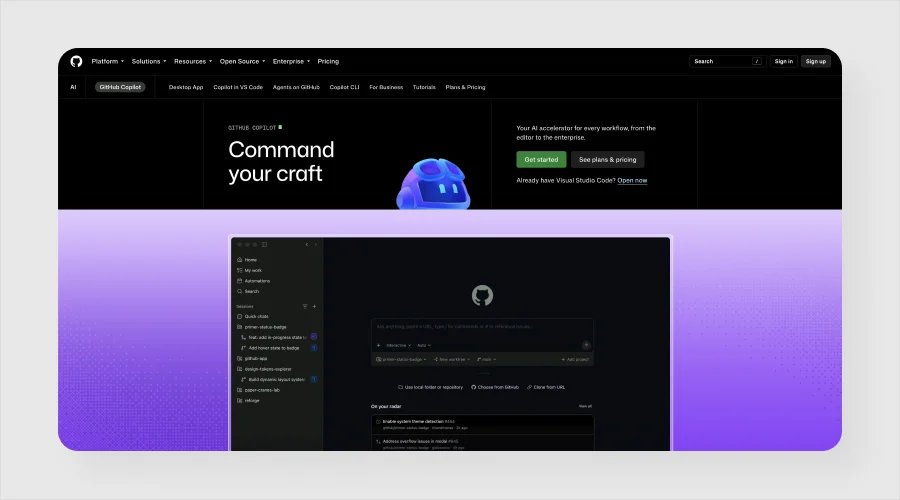
1. GitHub Copilot
At number 1, we have GitHub Copilot. When it comes to the best AI-powered software development tools, GitHub Copilot stands out. This tool works directly inside popular development environments and even suggests code while you type. For example, if you write a comment asking for a function to check whether an email address is valid, Copilot can suggest the code. Also, it can complete code, create functions, explain existing code and help you learn new programming languages.
One of its biggest advantages is convenience. It saves you the effort and a lot of time that you otherwise put in to searching online for every small coding problem. However, you will need to check AI-generated code before using it to ensure there are no errors, unnecessary code or security risks.
2. ChatGPT
ChatGPT is yet another useful AI tool that helps developers in the software development process. It not only helps write codes, but also help them understand programming concepts, explain error messages, create sample code, improve existing code, write database queries, generate test cases and prepare documentation.
For example, if you are new to Python and do not understand loops, you can simply ask ChatGPT to explain loops in simple language along with some examples. And you will get everything that you need in an instance. You can even ask more advanced explanation or real-world example. ChatGPT will help you in that too.
ChatGPT works best as an assistant. You can use it for getting answers, still you are advised to check all the answers to make sure everything is accurate.
3. Claude
Then comes Claude. It is a great AI tool that developers use in 2026. It makes working with large amounts of text or code easier for developers. Developers mostly use Claude for reviewing codes, explaining complicated functions, finding possible problems, creating documentation and discussing different ways of approaching a project.
Claude comes in handy when you are working with large files or lengthy documents. It makes understanding those documents or file a breeze. Instead of reading everything manually, you can ask the AI to explain the important parts or identify specific sections.
This AI tool also helps developers understand and plan a problem before they start coding. It can help them plan a feature and spot possible problems early. However, developers should always check its suggestions before using them.
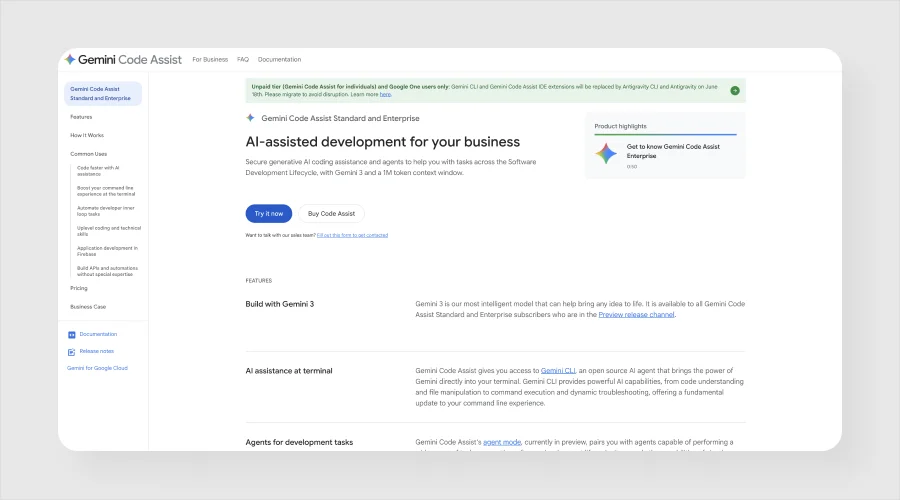
4. Gemini Code Assist
The next AI tool for software developers is Gemini Code Assist. Gemini Code Assist is Google’s AI coding assistant that help developers write and understand code directly within supported development environments. This tool not only suggests codes, but also completes functions, explains programming concepts and assists with debugging.
The biggest advantage of this tool is its connection with Google’s developer tools that come in handy for developers. Developers often use this because it helps with everyday coding tasks without making developers leave their coding environment.
Beginners can use it as a learning tool. They can ask why a piece of code works instead of simply copying the answer.
5. Cursor
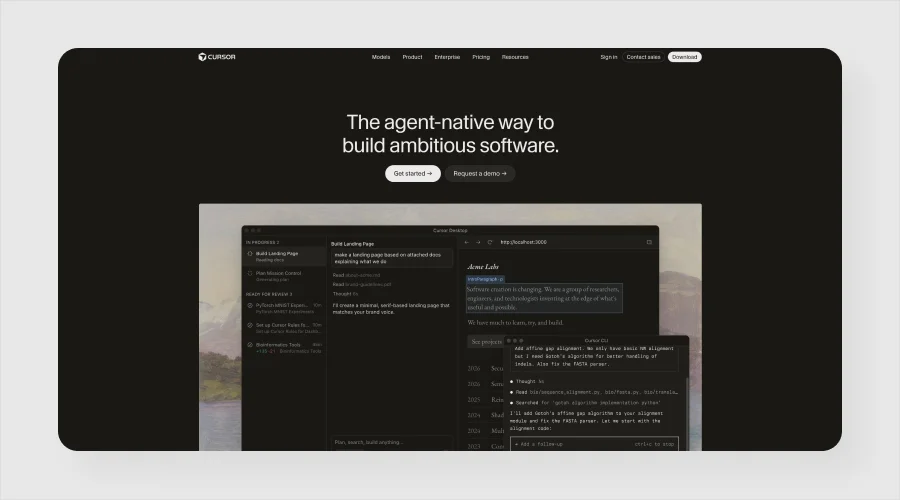
Cursor is yet another AI tool that developers can use. Rebuilt on top of VS Code, Cursor is the industry-standard AI editor. It makes coding faster and more convenient for developers. It allows developers to ask questions about their code, make changes using natural language, generate new code and understand different parts of a project.
The best thing about this AI coding tool is that it can understand code across an entire project instead of looking at each file separately. This makes it easier to see how different parts of an app work together.
If you already use a modern code editor, Cursor feels like having an AI assistant built directly into it. This simply eliminates the need to switch to a separate browser tab. Cursor comes in handy when working on large projects or want to understand existing code.
6. Amazon Q Developer
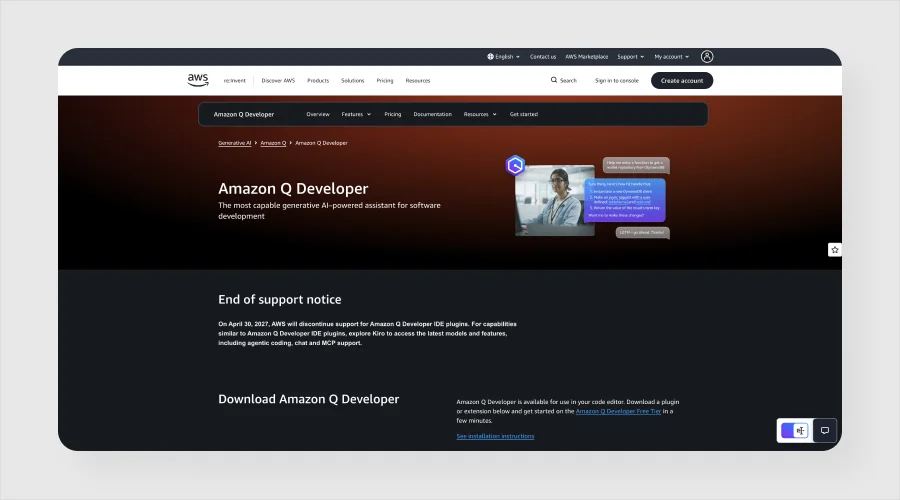
Amazon Q Developer is again a great AI tool. It is specifically designed for developers who work with AWS and other software development tasks. This tool helps in writing code, understanding code, finding errors, creating tests and answering questions about AWS services.
For example, you are building an application on AWS. You can use Amazon Q Developer to understand how a particular AWS service works or even get suggestions for implementing a feature. Aside from that, this tool can even help you with repetitive programming work, thereby saving a lot of time you would otherwise spend writing routine code manually.
This tool is very useful for developers who work with AWS regularly as it helps with coding and understands Amazon’s cloud platform.
7. Tabnine
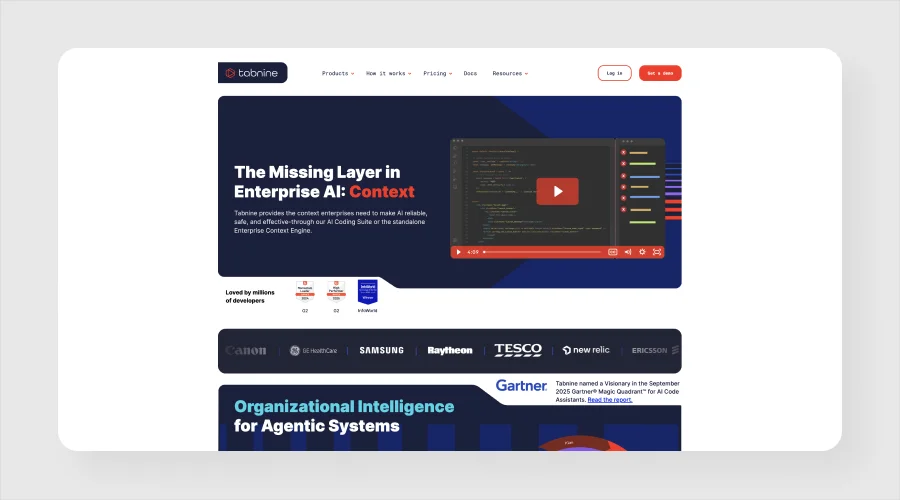
Here is another AI-powered tool that help developers with coding and code completion. It can suggest the next part of a line or function as you write. This helps save a lot of time when creating repetitive codes.
For instance, you are writing several similar functions, you can use Tabnine to complete the repeated structure. This helps you focus on the most important parts of the development process.
The best thing about Tabnine is that it focuses on privacy and business use, making it a good option for teams with specific code security needs. All in all, this AI tool helps developers spend less time writing repetitive code.
8. Amazon CodeWhisperer
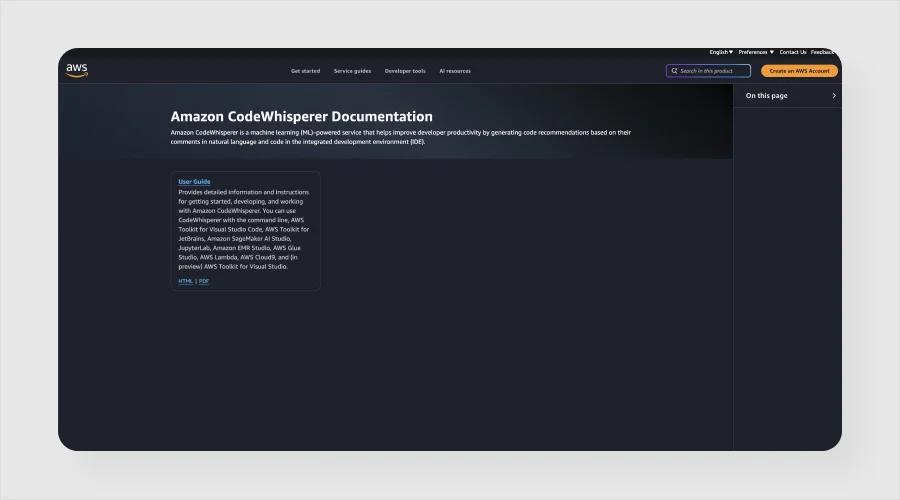
Amazon CodeWhisperer is yet another powerful AI tool for developers. CodeWhisperer is now part of Amazon Q Developer. This means that developers can find CodeWhisperer’s features in Amazon’s newer AI assistant as well.
This tool was initially designed to suggest code and help developers build applications faster. AI coding tools are changing quickly and Amazon CodeWhisperer is the best example. Many standalone tools have now become part of larger AI platforms. That is why it becomes crucial for developers to check the latest information to make the best use of AI-powered development tools.
9. Replit
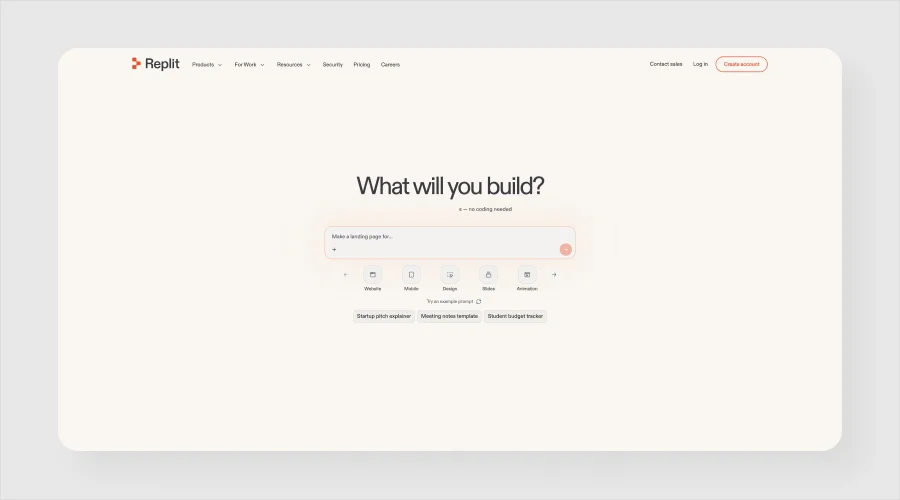
Replit is yet another robust AI tool. It combines an online development environment with AI-powered features. This makes it easier for developers to build and test applications without setting up a full coding environment on their computer.
Developers can use its AI features to generate code, understand problems and create applications from natural-language instructions. Also, it comes handy when creating small prototypes. Instead of spending hours preparing the development environment, you can start working on the idea pretty quickly. The best thing about Replit is that it makes it easier for beginners, students, and developers to quickly experiment with a new idea.
10. Sourcegraph Cody
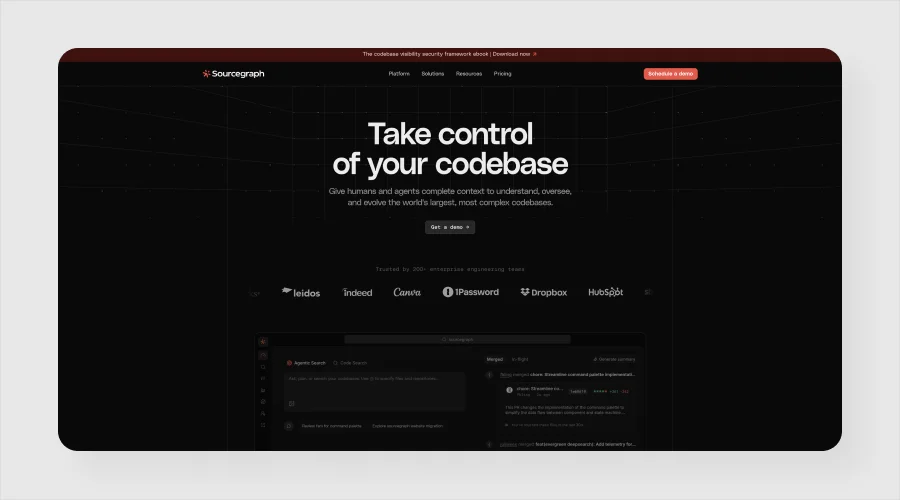
At number 10, we have Sourcegraph Cody. Sourcegraph Cody is designed to help developers understand and work with codebases.
It particularly comes in handy when working on an existing project. Large software projects that include thousands of files make it difficult for developers to understand how everything fits together. That’s when Sourcegraph Cody comes into play. It helps developers explore the codebase by answering questions, explaining functions, and finding relevant sections of code.
This, in turn, saves a lot of time that developers would otherwise spend scouring through files manually. All in all, this AI tool is useful for teams working on large or complex applications, where understanding existing code is as important as writing new code.
11. Pieces
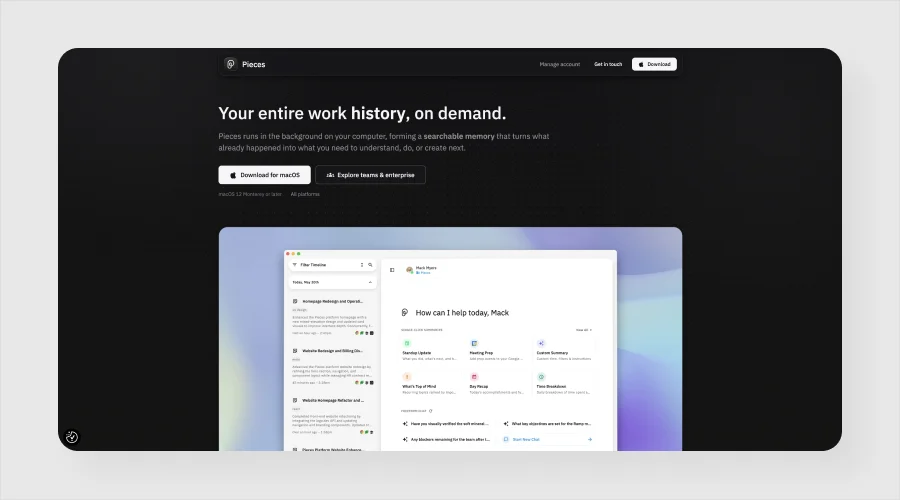
Pieces is one of the best AI-powered productivity tools that is designed to help developers manage useful code snippets and information.
More often than not, developers save code snippets, commands, notes, links and solutions for later use. And finding them again can be difficult, especially after a long time. Pieces comes in rescue here. It helps organize and search needed information and makes it easier to find and reuse when needed.
It is often considered useful for developers who frequently work across different projects and want to keep useful resources organized in one place.
12. Snyk
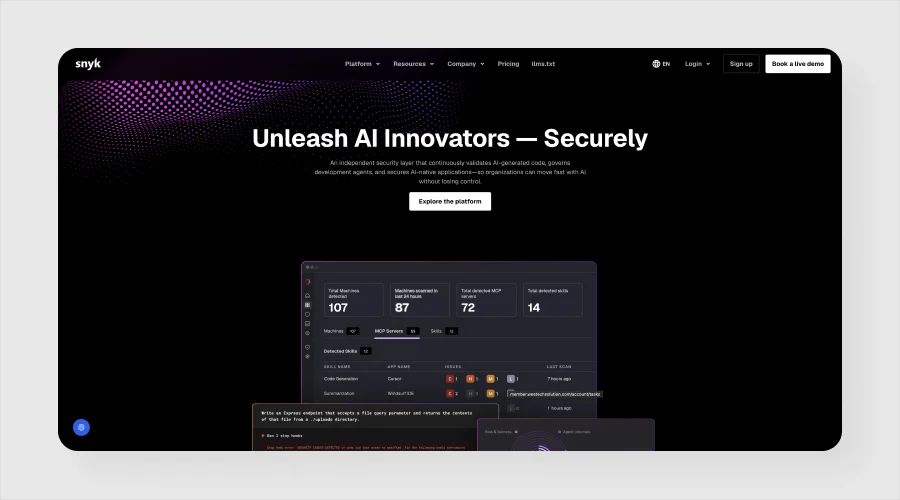
Last but not least is Snyk. Snyk not only helps developers write code, but also helps them identify security problems in their code and open-source dependencies. It can quickly find vulnerable packages and help developers understand how to fix them.
This AI tool is very useful in this era because modern apps often use many third-party libraries, and a security problem in one of them can affect the whole application. Using a robust security tool, such as Snyk with an AI coding assistant can help developers work faster while maintaining security.
Top 3 Tips to Make the Most Out of the Best AI Tools
Of course, choosing the best tool from the list above may seem like a task. Here are some tips to make the most out of these AI tools. Take a look…
1. Consider Your Requirements
Don’t just start using any tool; consider your requirements first. See which part of the development consumes most of your time. If it is writing code then an AI coding assistant such as GitHub Copilot, Cursor, Gemini Code Assist or Amazon Q Developer may be good. However, if you spend more time on finding explanations, research, brainstorming, or understanding errors, then a general AI assistant such as ChatGPT or Claude are better options. But if you often find yourself working with large existing codebases, then consider using tools focused on understanding code can save you considerable time.
2. Keep Security in Mind
Security is an integral part of software development today. Before you actually start sharing company code with an AI service, make sure to check the security policies and understand how the service stores and uses your data.
3. Use AI as Assistant
You should not rely completely on AI for software development. Instead, you should be using AI-powered software development tools as assistants. AI-generated code can look correct but still contain errors, outdated methods, or security risks. You should review and test it before using it. AI is best when it comes to handling repetitive tasks, but relying completely on it is not wise at all.
The Bottom Line
So, these are the 12 best AI tools that every software developer should use or be aware of. These tools have become an integral part of modern software development. They can help developers save a lot of time by simply assisting them in writing codes, finding errors, understanding large projects, checking security and so on. But still, choosing the best tool is crucial to make the most out of it. Instead of using all of the tools outlined above, it’s wise to consider starting with one or two tools. First learn how to use them properly and then you can add others when you actually need them. Undoubtedly, AI can make software development faster and more enjoyable provided you know how to use these tools wisely and review their suggestions before using them.